















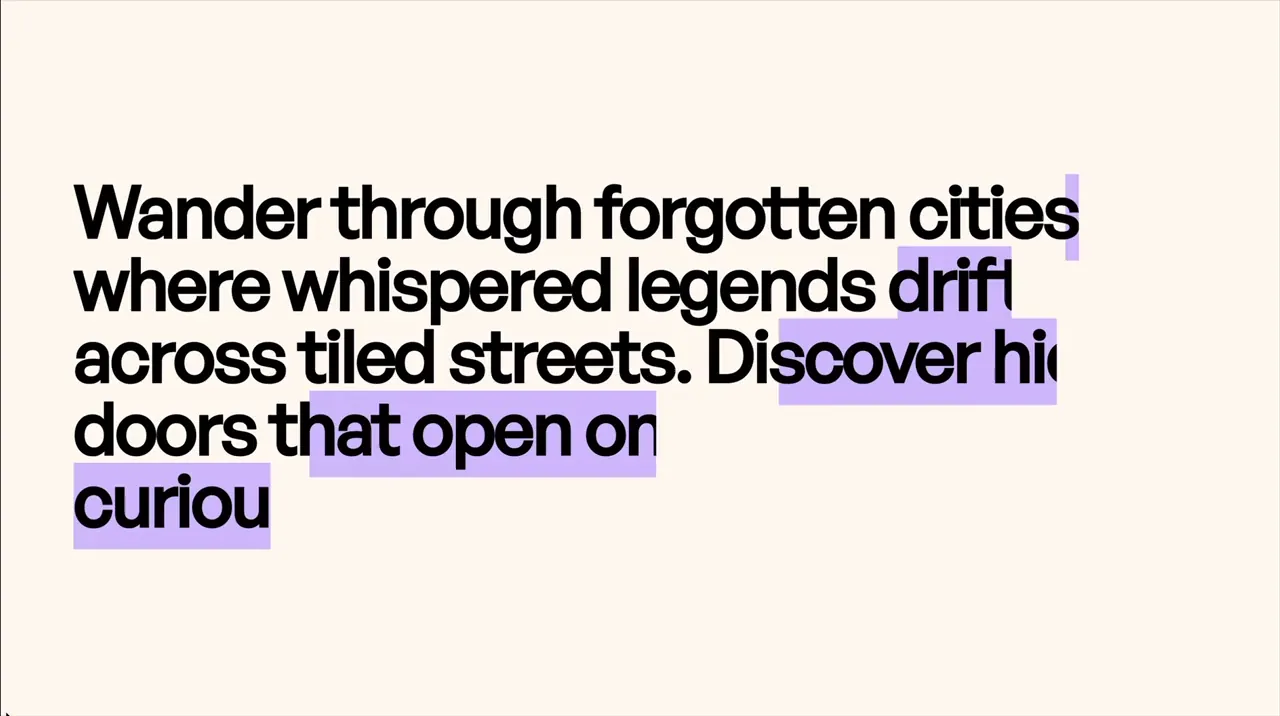
scroll-6
Component



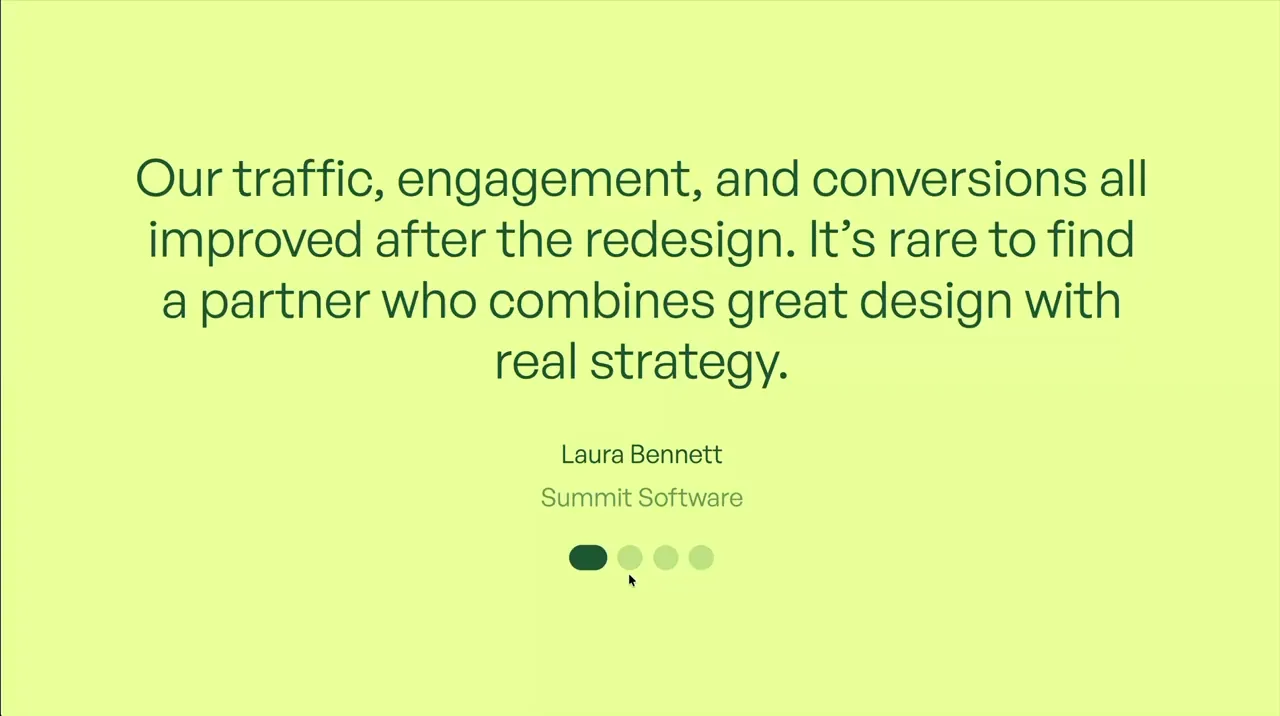

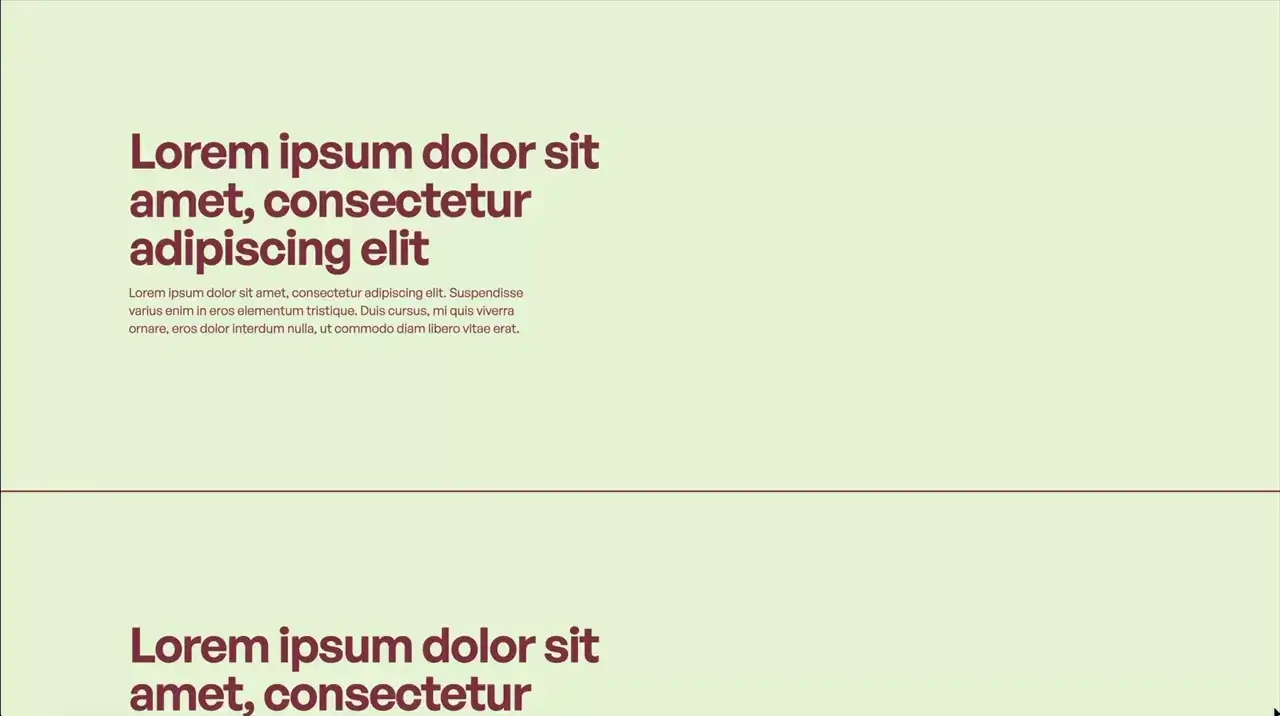






Retrigger CSS Animations On Scroll
Scroll
CSS Animation
JS
CSS
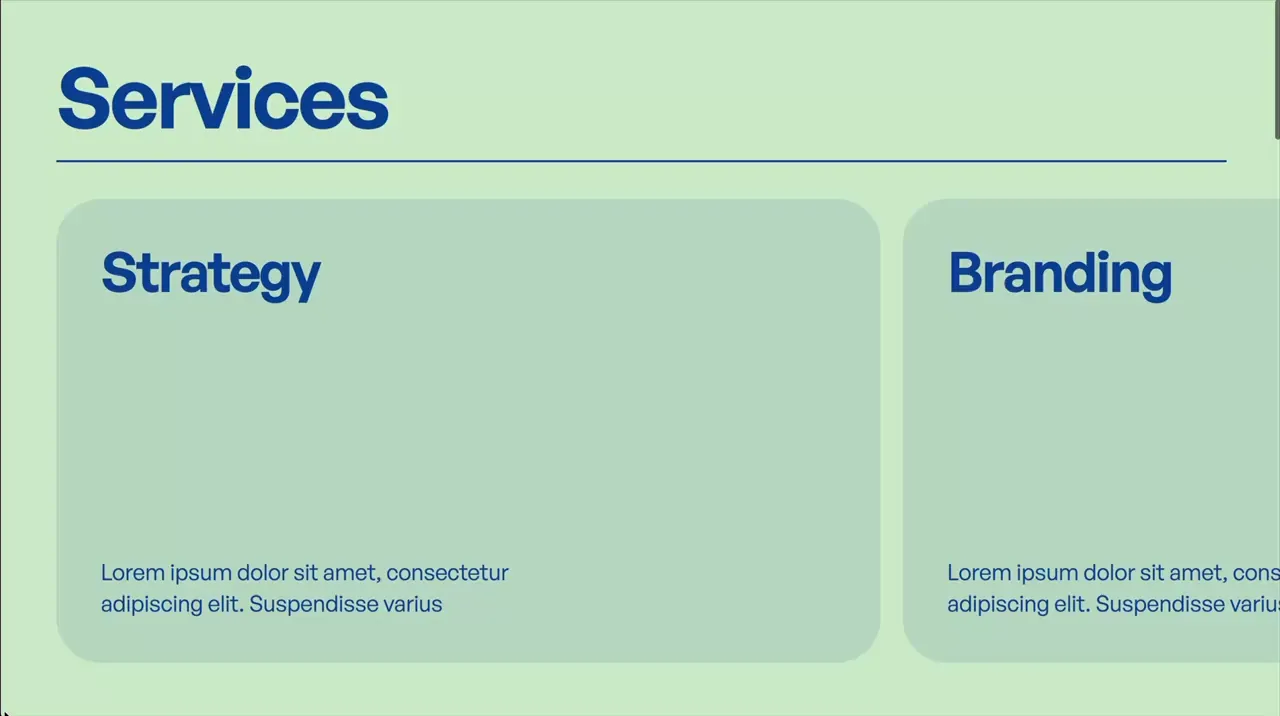
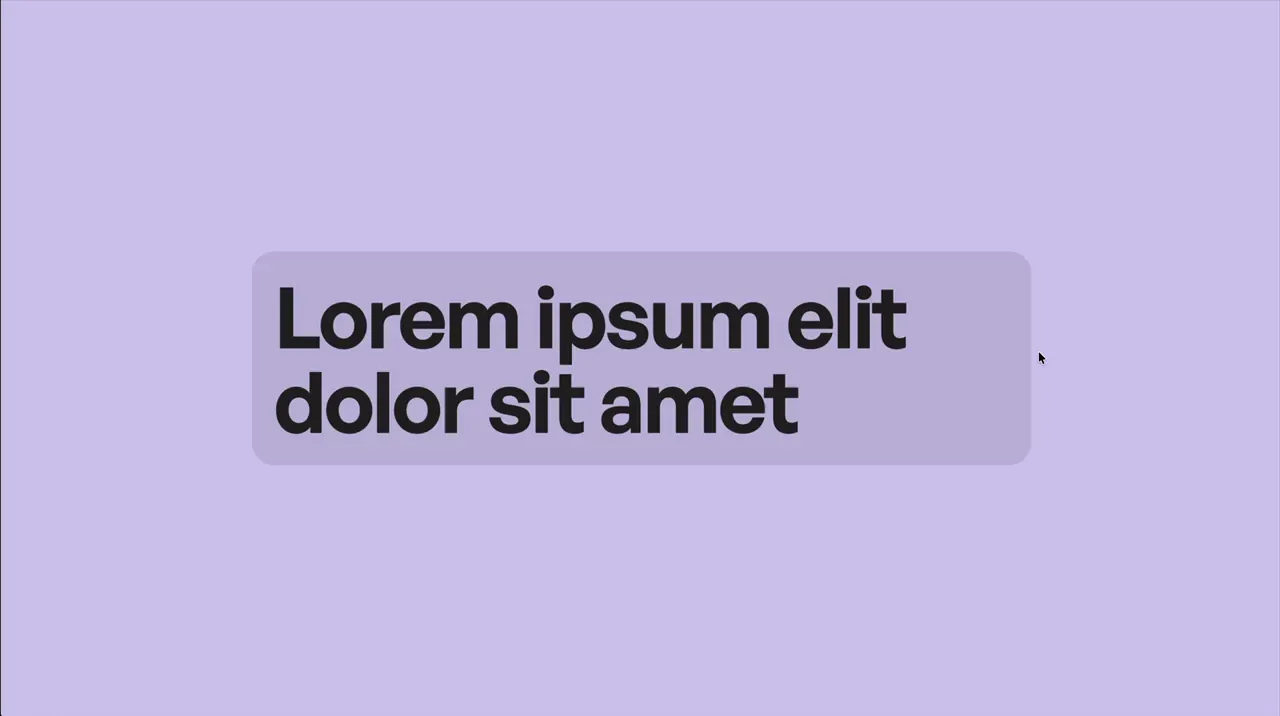
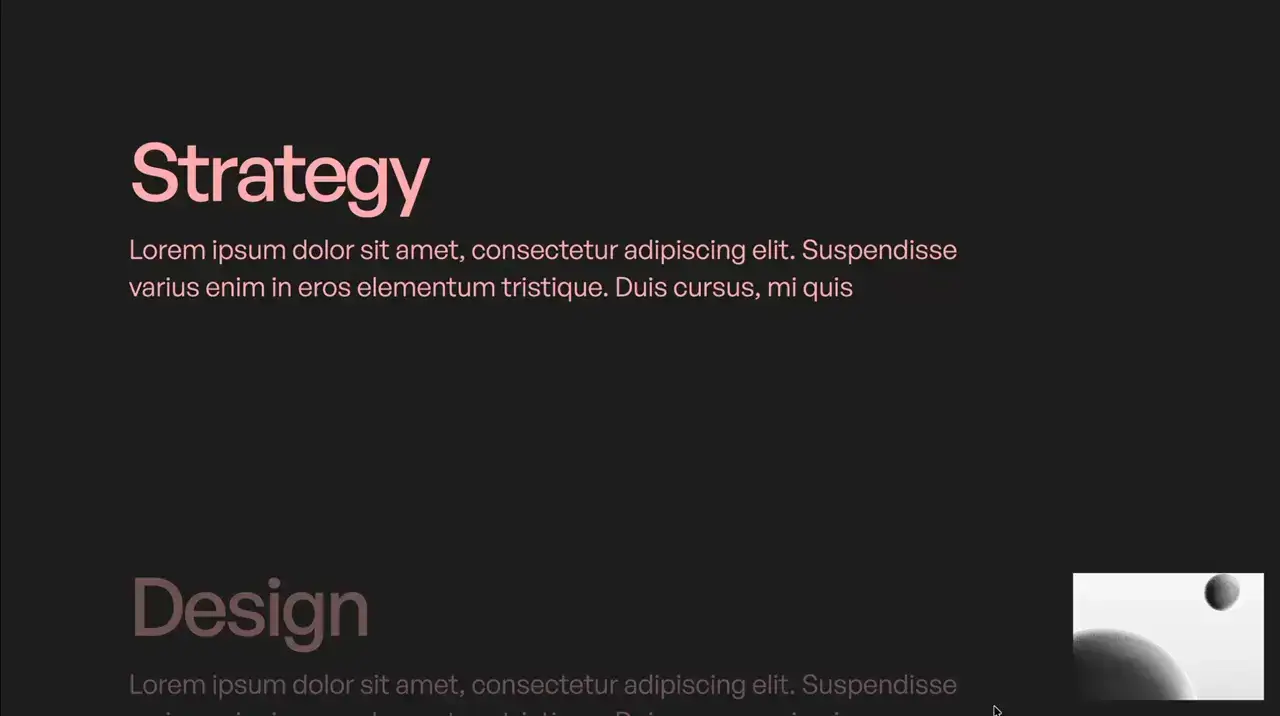
- Give section an attribute of data-css-scroll
- When section scrolls into view, all children that have css animations will restart
- Animation retriggers each time we scroll down into the section.
- If animation should retrigger when scrolling back up into the section also, change attribute to data-css-scroll="retrigger-both"
- If animation should not retrigger when scrolling back into the section, change attribute to data-css-scroll="retrigger-none"
- The optional attribute for setting what percent of an element should be in view before animation is triggered is data-css-scroll-threshold="25%"
<style>
.reset-animations,
.reset-animations * {
  animation-name: none !important;
  animation-duration: 0s !important;
}
[data-css-scroll].animation-ready,
[data-css-scroll].animation-ready * {
    animation-duration: 0s !important;
    animation-direction: reverse !important;
}
</style>
<script>
document.addEventListener("DOMContentLoaded", () => {
  const targets = document.querySelectorAll("[data-css-scroll]");
  if (!targets.length) return;
  const thresholdGroups = new Map();
  targets.forEach(el => {
    const thresholdStr = el.dataset.cssScrollThreshold || "5%";
    const threshold = parseFloat(thresholdStr) / 100;
    if (!thresholdGroups.has(threshold)) thresholdGroups.set(threshold, []);
    thresholdGroups.get(threshold).push(el);
  });
  const entryObserver = new IntersectionObserver(entries => {
    for (const entry of entries) {
      if (entry.isIntersecting && !entry.target.__pastThreshold && entry.target.__ioInit) {
        entry.target.classList.add("animation-ready");
        entryObserver.unobserve(entry.target);
      }
    }
  }, { threshold: 0, rootMargin: "-1px" });
  const exitObserver = new IntersectionObserver(entries => {
    for (const entry of entries) {
      const el = entry.target;
      const mode = el.dataset.cssScroll || "";
      if (!entry.isIntersecting && mode !== "retrigger-none" && el.__ioInit) {
        const isExitingTop = entry.boundingClientRect.bottom < entry.rootBounds.top;
        if (mode === "retrigger-both" || !isExitingTop) el.classList.add("animation-ready");
      }
    }
  }, { threshold: 0, rootMargin: "-1px" });
  thresholdGroups.forEach((elements, threshold) => {
    const io = new IntersectionObserver(entries => {
      for (const entry of entries) {
        const el = entry.target;
        const mode = el.dataset.cssScroll || "";
        if (!el.__ioInit) {
          el.__ioInit = true;
          if (entry.isIntersecting) el.__cssAnimTriggered = el.__pastThreshold = true;
          continue;
        }
        if (!entry.isIntersecting) {
          if (mode !== "retrigger-none") el.__cssAnimTriggered = false;
          continue;
        }
        const isScrollingDown = entry.boundingClientRect.top >= 0 && entry.boundingClientRect.top < entry.rootBounds.bottom;
        const shouldTrigger = mode === "retrigger-none" ? !el.__cssAnimTriggered : mode === "retrigger-both" ? !el.__cssAnimTriggered : !el.__cssAnimTriggered && isScrollingDown;
        if (!shouldTrigger) continue;
        el.__cssAnimTriggered = true;
        if (!el.classList.contains("animation-ready")) continue;
        el.classList.remove("animation-ready");
        el.classList.add("reset-animations");
        el.offsetHeight;
        requestAnimationFrame(() => {
          el.classList.remove("reset-animations");
          if (mode === "retrigger-none") io.unobserve(el);
        });
      }
    }, { threshold });
    elements.forEach(el => {
      io.observe(el);
      entryObserver.observe(el);
      exitObserver.observe(el);
    });
  });
});
</script>
css-animations-on-scroll
Code

Click Event That Runs Even On New Elements
Utility
JS
- Normally JavaScript only runs for the elements that were initially there on page load. So any new elements that are added to the page through filtering, looped sliders, or fetched elements wouldn't have the interaction applied. By applying the click event to the document instead and filtering it to a certain class, the action will also apply to any new elements added to the page with that class.
<script>
document.addEventListener("DOMContentLoaded", function () {
	document.addEventListener("click", (e) => {
		if (!e.target.closest(".your-element")) return;
		e.target.classList.toggle("is-active");
	});
});
</script>
click-event-that-runs-even-on-new-elements
Code

domcontentloaded
Code

Reload Page On Browser Back Button Click
Utility
JS
- In most browsers, pressing the back button pulls up the previous state of the last page instead of refreshing the last page. In cases where this may break interactions or intended functionality, we can force the browser to refresh the page.
<script>
window.onpageshow = function(event) {
	if (event.persisted) window.location.reload();
};
</script>
reload-page-on-browser-back-button-click
Code

hide-section-if-empty-cms
Code

Show A Different Div For Each Day Of The Week
Utility
JS
- Apply attribute name of data-week-list to your list containing 7 items
- The first item within the list should be for Sunday
- A different div will be shown for each day of the week
<script>
document.addEventListener("DOMContentLoaded", () => {
	document.querySelectorAll("[data-week-list]").forEach(list => {
		const currentDay = new Date().getDay();
		const items = Array.from(list.children);
		const currentItem = items[currentDay];
		items.forEach(item => {
			if (item !== currentItem) item.remove();
		});
	});
});
</script>
show-a-different-div-for-each-day-of-the-week
Code

Make Item Draggable
Draggable
Utility
JS
- Give item an attribute name of data-draggable-item
<script>
document.addEventListener("DOMContentLoaded", () => {
	let zIndex = 1;
	document.querySelectorAll("[data-draggable-item]").forEach((item) => {
		item.style.touchAction = "none";
		let startX, startY, originX, originY;
		function onPointerDown(e) {
			e.preventDefault();
			item.style.zIndex = ++zIndex;
			startX = e.clientX;
			startY = e.clientY;
			originX = parseFloat(item.dataset.x) || 0;
			originY = parseFloat(item.dataset.y) || 0;
			item.setPointerCapture(e.pointerId);
			item.addEventListener("pointermove", onPointerMove);
			item.addEventListener("pointerup", onPointerUp);
			item.addEventListener("pointercancel", onPointerUp);
		}
		function onPointerMove(e) {
			const dx = e.clientX - startX;
			const dy = e.clientY - startY;
			const x = originX + dx;
			const y = originY + dy;
			item.dataset.x = x;
			item.dataset.y = y;
			item.style.transform = `translate3d(${x}px, ${y}px, 0)`;
		}
		function onPointerUp(e) {
			item.releasePointerCapture(e.pointerId);
			item.removeEventListener("pointermove", onPointerMove);
			item.removeEventListener("pointerup", onPointerUp);
			item.removeEventListener("pointercancel", onPointerUp);
		}
		item.addEventListener("pointerdown", onPointerDown);
	});
});
</script>
make-item-draggable
Code